Not every fishing game asks for the same kind of attention. Stillcast looks at a small desktop companion and a mobile angling simulation, explaining their different starting points without ranking one above the other. Compare the platform, the style of play and the store information, then follow the guide that fits the time and device you have in mind today.
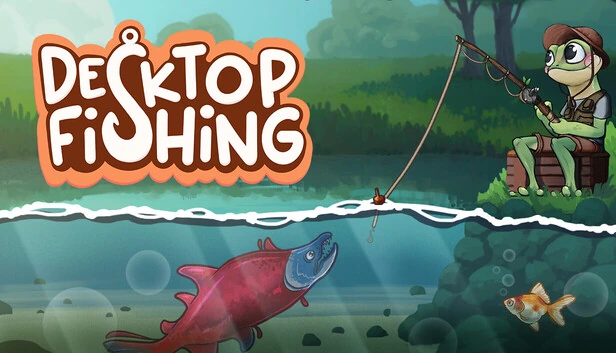
Desktop Fishing makes a fishing companion part of your Windows desktop. A frog angler, collecting fish and changing its appearance give the idle format its focus. It is a paid Steam title, so it belongs in a different download category from a free Android game. Read our guide if a small companion interests you more than an active session built around learning a virtual fishing setup.
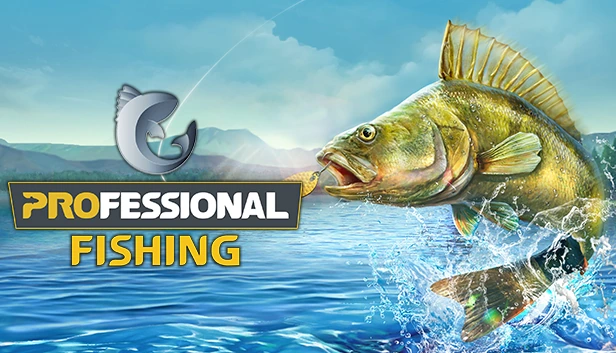
Professional Fishing presents angling as a three-dimensional setting to explore on Android. Its store description includes equipment, boats, quests and tournaments. Google Play offers a free download with ads and in-app purchases, which makes the cost model worth checking before you begin. Read this guide if you are looking for a more direct fishing session on your phone, rather than a companion that lives alongside desktop work.
Desktop Fishing is framed by its developer as an idle desktop companion. Professional Fishing’s Android listing instead describes 3D angling, equipment and tournaments. That difference in format is more useful than an invented overall score.
Desktop Fishing’s verified listing is for Windows. Check Professional Fishing’s Google Play page on the Android device you plan to use.
Check connectivity.
Look up the current requirements for the version and features you want. A single-player label alone does not establish offline access.
Separate the costs.
Desktop Fishing is a paid Steam title. Professional Fishing is free to download on Android, with ads and optional in-app purchases.
Illustrative lake image. Not gameplay.
A quieter beginning
Learn what the game is asking of you.
Read the opening instructions, stay with the starting setup for a little while and check what happens when you change one thing. The useful first lesson is recognising the game’s own rhythm.